Web Enquiry Form – for Teams

Feature Enhancement
We have added an enquiry form to the Enquiry Management System which allows you to take enquiries online directly into MyDriveTime. We have provided a web page which you can enable and publish wherever you wish and also provided the ability to embed our web enquiry form on your website.
Setting up for Online Enquiries
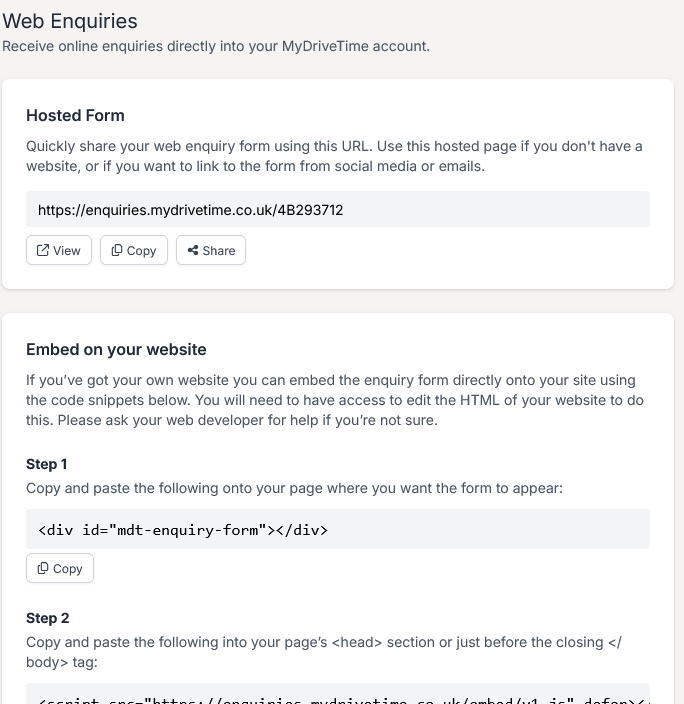
You can access the online enquiry setup by going to Team>Settings>Web Enquiries. The first thing you will need to do is to enable Web Enquiries so click the Enable button and you will see something like this.
The first option is a web form, hosted by MyDriveTime, which you can provide as a clickable link wherever suits you and your business.
The second option is essentially the same form but it can be embedded as a form in your website. The code simply needs to be copied into the right place in your web code.
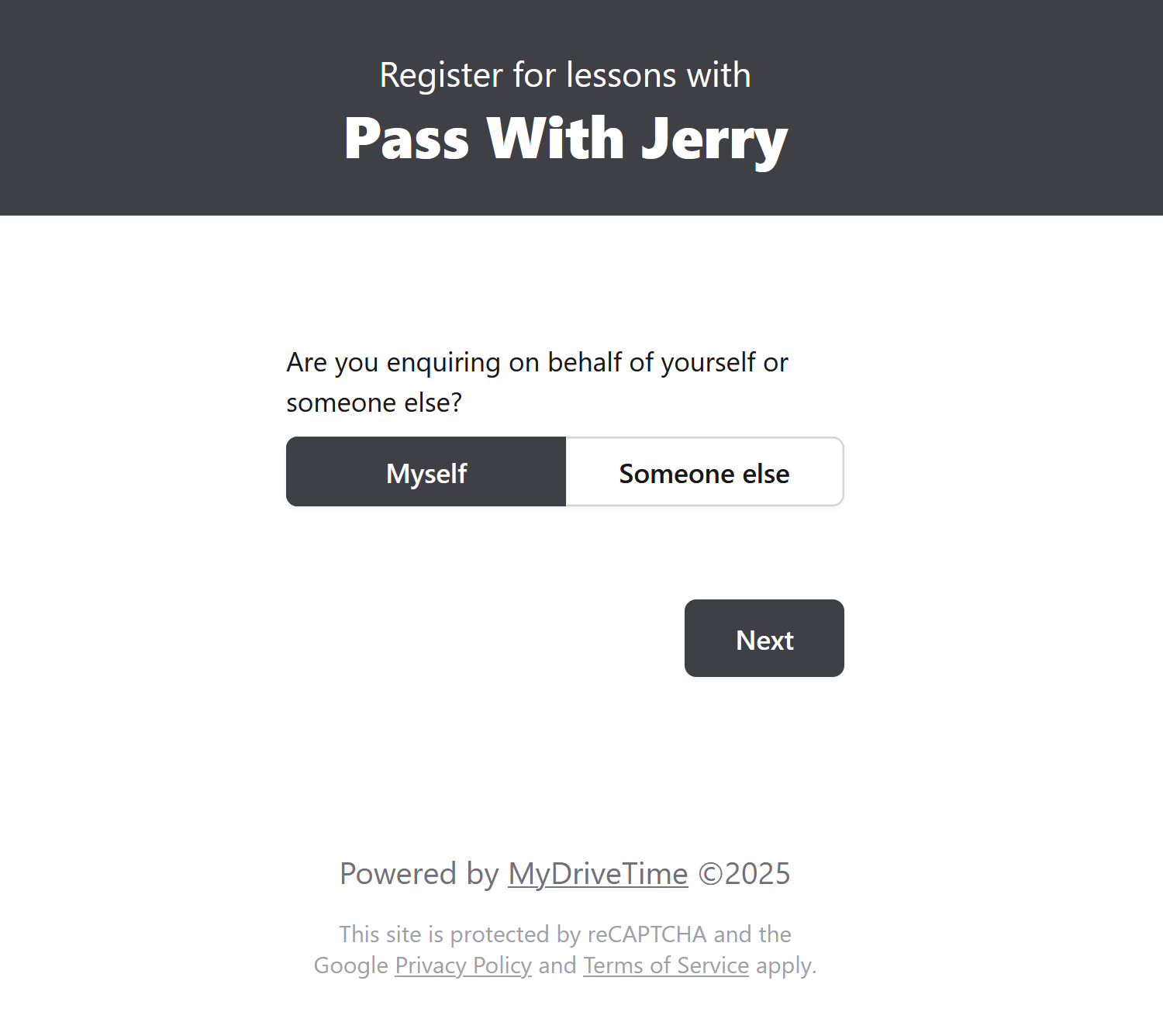
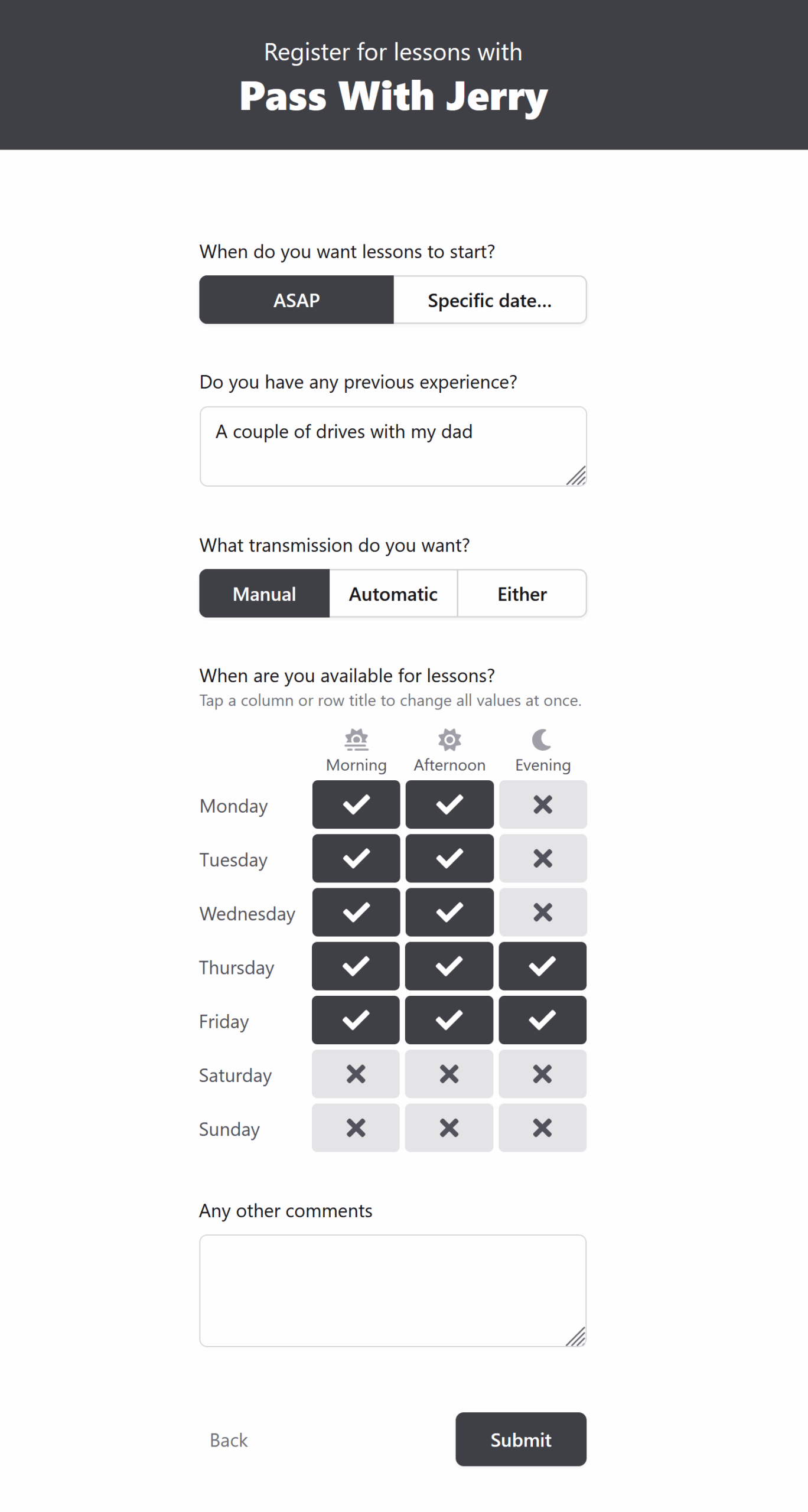
Let’s have a look at the form – by clicking View in the Hosted Form section.
What information do I get from the form?
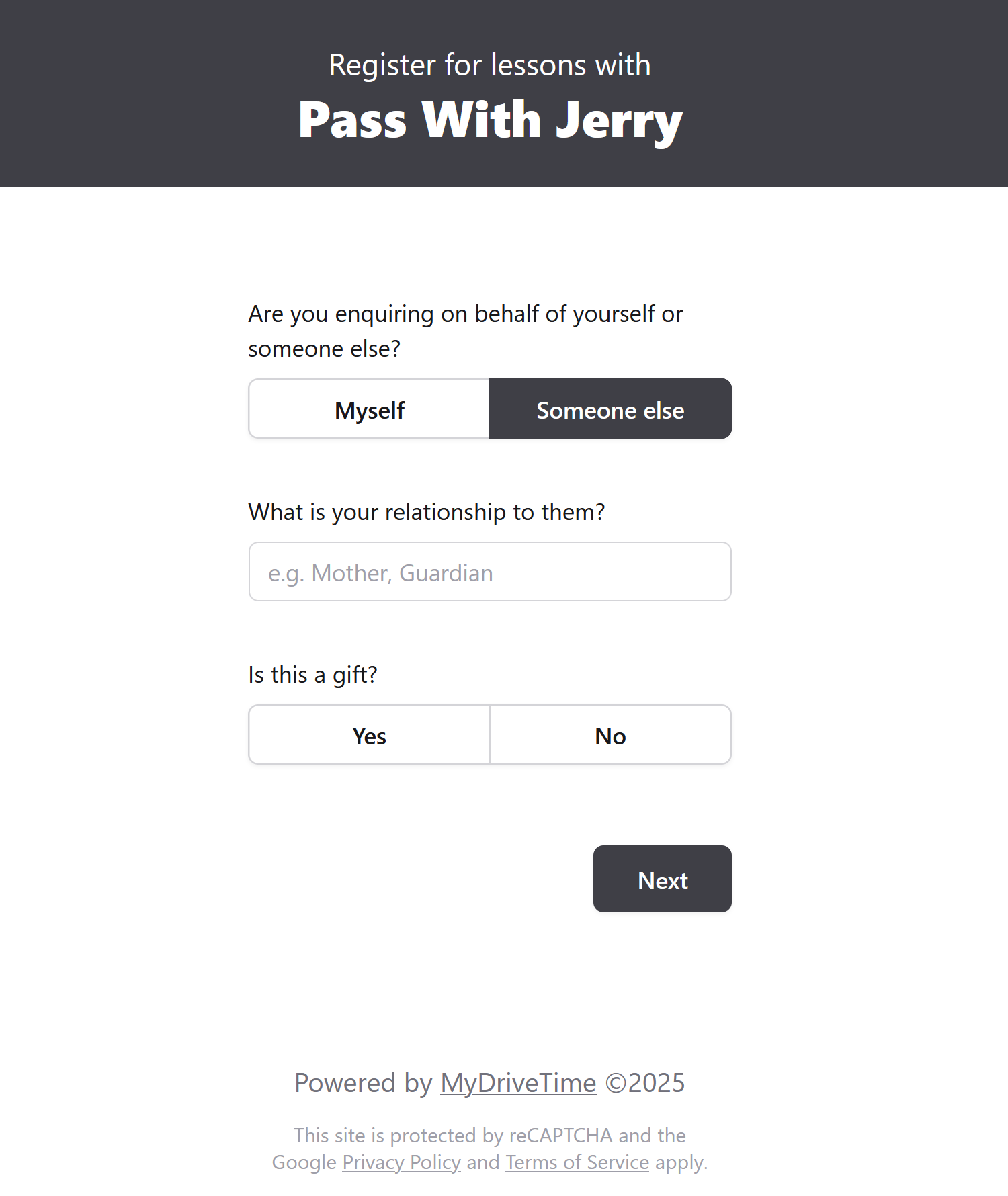
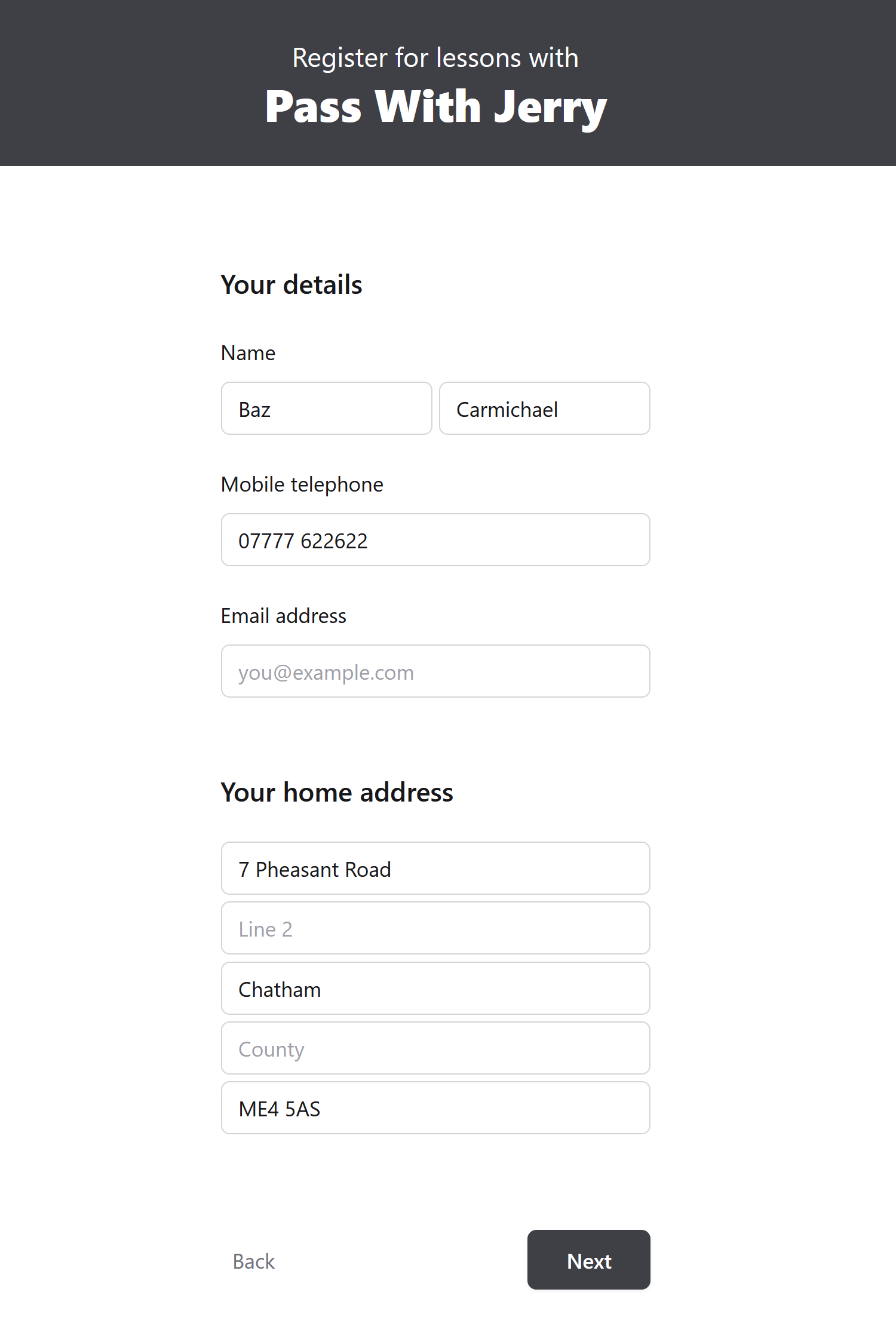
The enquirer, who can be the student or someone enquiring on behalf of the student, can enter a whole host of information which is then stored in our app. Which options you get depend on which options you choose. Information is either recorded as part of the enquiry e.g., required start date, or is included within the student notes e.g., gift status and student availability.
…and finally
This feature enhancement is provided as a gateway into the Enquiry Management System and is just another step on an exciting road. We hope you are enjoying the journey thus far and are excited to see what’s coming next…
Although, at the moment, this feature is only available for teams as is the Enquiry Management System, it will be made available to independent instructors in the fullness of time.
As always, if you find any issues with this blog or anything else, please contact us at support@mydrivetime.co.uk.
